How to Turn a PDF or EPUB into an Audiobook with AI Voices
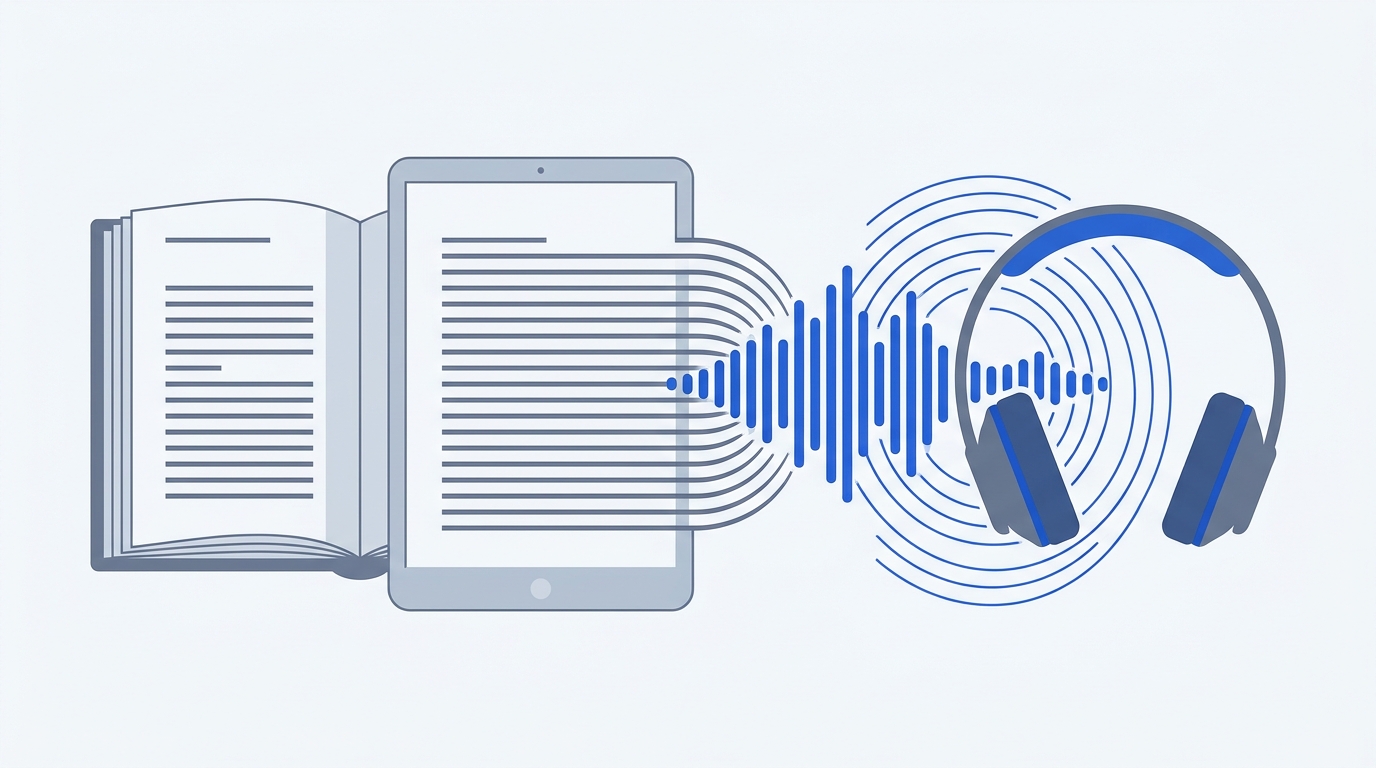
Whether you are an indie author narrating a novel, a researcher turning whitepapers into audio, or a student listening to study guides, here is how to convert PDF, EPUB, DOCX, or TXT files into clean chaptered audiobooks.
Key Takeaways
- Play HT Audiobook Maker accepts selectable-text PDF, EPUB, DOCX, UTF-8 TXT, or pasted manuscripts.
- You can import a manuscript, inspect and clean up detected chapters, and save a private audiobook project with a free signed-in account before spending credits.
- Each section is generated independently: if a section fails, reserved credits are refunded automatically, and retrying unfinished work reuses completed audio.
- Export either a single combined MP3 or a ZIP archive of individual chapter MP3 files.
Step 1: Prepare your PDF, EPUB, or DOCX for clean narration
The quality of an AI audiobook starts with clean source text. EPUB and DOCX files usually produce the cleanest chapter splits because headings and paragraph breaks are explicitly structured. Selectable-text PDFs also import directly, though scanned image-only PDFs must be run through OCR before importing.
Before clicking Generate, take five minutes in the chapter review view to remove running page headers, page numbers, table-of-contents dot leaders, and footnote markers that sound awkward when read aloud.
Free chapter preview before you pay
On /audiobook-maker, you can listen to three prerecorded narration previews with synchronized transcripts in 11+ languages at zero cost, and import + organize your own manuscript with a free account.
Step 2: Pick a narrator voice that holds up for hours
A punchy voice that sounds exciting in a 15-second ad can feel exhausting after 45 minutes of fiction or nonfiction. For audiobooks, filter Play HT voices by Narrative & Story or Informative & Educational, and listen for steady breath cadence, warm midrange resonance, and clear enunciation.
Authors who want readers to hear their own authentic voice can clone their voice in Play HT Voice Cloning and select that private narrator inside Audiobook Maker.
| Stage | Supported Formats & Notes |
|---|---|
| Import | PDF (selectable text), EPUB, DOCX, UTF-8 TXT, or direct paste |
| Not supported | Image-only scanned PDFs (run OCR first) and M4B containers |
| Access requirement | Active Starter, Studio, Enterprise subscription, paid trial, or prepaid card |
| Export | Complete combined MP3 or ZIP archive of individual chapter MP3s |
Listen to real audiobook narration samples
Test synchronized transcripts and chapter playback on the Play HT Audiobook Maker page.
Step 3: Generate section by section and export MP3 or Chapter ZIP
Long manuscripts should never be an all-or-nothing gamble. Play HT charges and generates each section separately using your chosen Basic, Pro, or Max rate. If any section fails mid-run, reserved credits return to your balance, and retrying only processes unfinished sections while reusing every completed clip.
Once all chapters are ready, download a single merged MP3 for personal listening or a ZIP of chapter MP3s ready for podcast feeds, course platforms, or audiobook distributors. Replaying and exporting finished chapters never spends extra credits.
Frequently Asked Questions
Can I convert a scanned PDF into an audiobook?
Play HT Audiobook Maker imports PDFs with selectable text. If your PDF is a scanned image, run an OCR tool to embed selectable text first, then upload it.
Can I download each chapter as a separate MP3 file?
Yes. After generation completes, you can export either one combined MP3 for the full book or a ZIP file containing separate MP3 files for each chapter.
Do I need a subscription to generate an audiobook?
Importing a manuscript and reviewing chapters is free with a signed-in account. Generating audiobook audio requires an active Starter, Studio, or Enterprise subscription, eligible paid trial, or prepaid membership card.