PlayHT
Play HT MCP · Remote Streamable HTTP + OAuth 2.1

Connect Play HT Voice Generation to Your AI Assistant

Give Grok Bot, Muse AI, Claude Code, Codex, and Cursor direct access to Play HT voices, credit quotes, MP3 speech generation, multi-speaker dialogues, and audiobooks with scoped OAuth 2.1 tokens and built-in credit safeguards.

https://playht.app/mcp

Choose your AI client

Pick your assistant or IDE below. Paste the install prompt directly into your AI tool, or follow the manual OAuth 2.1 setup steps.

Grok Bot

Recommended

Add Play HT as a remote Streamable HTTP MCP server in Grok Bot and authorize once with OAuth 2.1.

One-sentence install prompt

“Please help me install the Play HT MCP server (https://playht.app/mcp) using Streamable HTTP with OAuth 2.1, then list 5 voices to verify the connection.”

  1. Open Grok Bot MCP / Connectors settings and choose Add Remote MCP Server.
  2. Set Name to Play HT, Server URL to https://playht.app/mcp, Transport to Streamable HTTP, and Auth to OAuth.
  3. Save and click Connect. Sign in to Play HT, pick permissions and your daily credit limit (default 10,000), and approve.
Remote MCP server fields
Name: Play HT
Server URL: https://playht.app/mcp
Transport: Streamable HTTP
Authentication: OAuth 2.1 (auto-discovered)

Real-world scenarios

From quick launch voiceovers inside your code editor to automated multi-host podcasts and multi-chapter audiobooks.

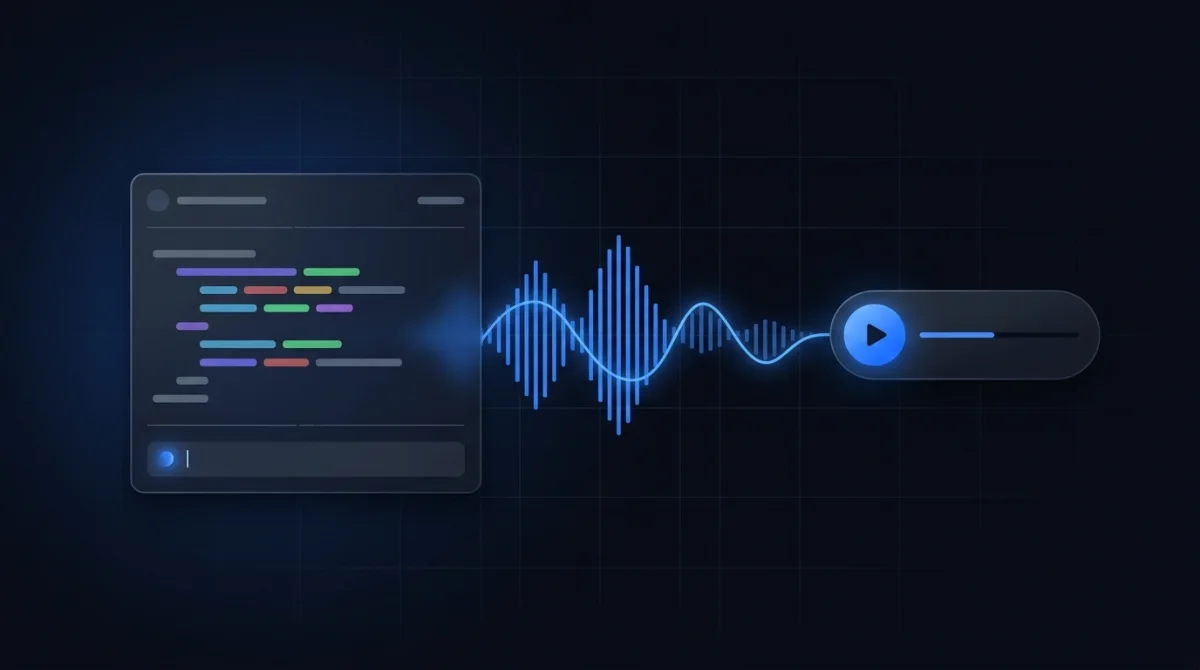
AI coding assistant interface generating a cobalt-blue audio waveform and MP3 player pill
Product & Docs

Ship launch voiceovers straight from your IDE

Turn release notes, changelog highlights, or product walkthrough scripts into studio-grade MP3 narration without leaving Claude Code, Codex, or Cursor. Quote credits first and get a 24-hour signed MP3 link right in chat.

list_voicesquote_speechgenerate_speech
“Quote this 45-second launch script in English using a confident narrator on Basic, then generate the MP3 with max_credits=10.”
Two minimalist studio microphones linked by weaving cobalt-blue and cyan soundwaves
Podcasts & Content

Automate two-host podcasts & explainer dialogues

Ask Grok Bot or Muse AI to convert a blog post, research brief, or newsletter into a natural multi-speaker conversation. Assign distinct voices per speaker, queue the job asynchronously, and fetch every clip when ready.

generate_dialogueget_generation
“Turn today’s changelog into a 6-line dialogue between two English hosts, queue it with max_credits=25, and check the clips.”
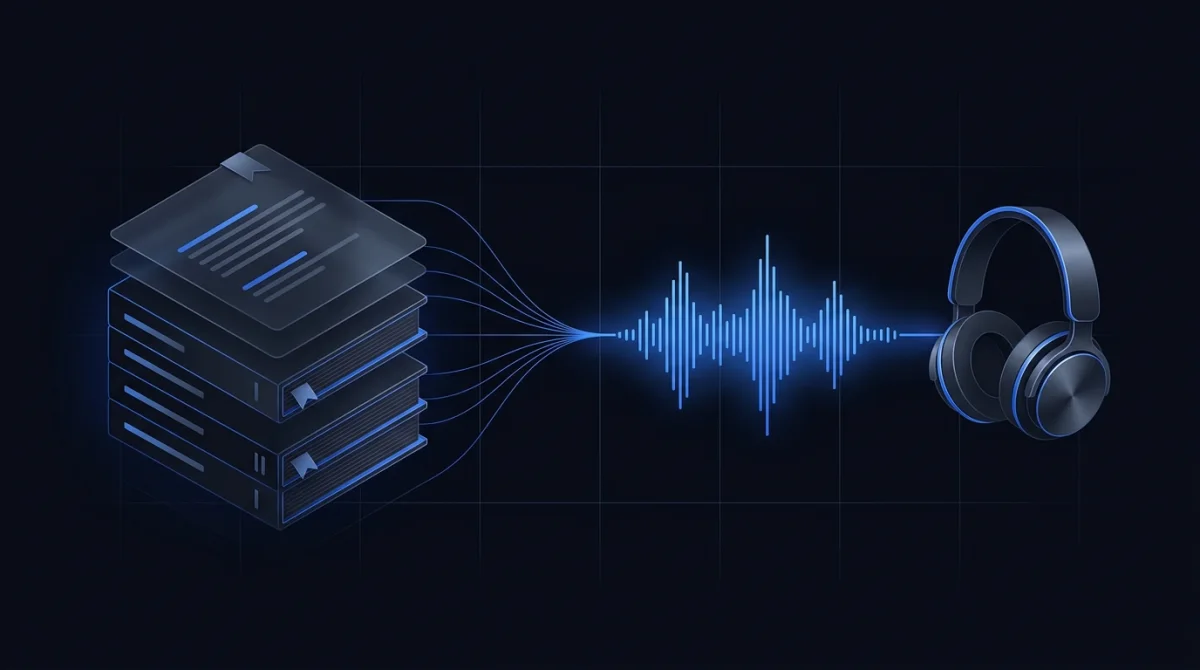
Stacked digital book chapters flowing into luminous cobalt-blue waveforms and studio headphones
Publishing & Learning

Build multi-chapter audiobooks end to end

Feed structured chapters from a manuscript, course, or documentation set into create_audiobook. Play HT queues narration across chapters while your assistant tracks segment progress and surfaces the workspace link.

create_audiobookget_generationget_credits
“Create a 3-chapter audiobook from these markdown files with an English narrator on Pro, max_credits=200, and report progress.”

Connect in three steps

Once connected, your AI client can inspect voices, quote credits upfront, and return ready-to-download MP3 links.

STEP 1

Add the server URL

Add https://playht.app/mcp as a Streamable HTTP MCP server in Grok Bot, Muse AI, Claude Code, Codex, or Cursor.

STEP 2

Sign in and authorize

Sign in with your Play HT account, choose read-only or generation scopes, and set your daily credit cap (default 10,000).

STEP 3

Generate speech and projects

Ask your assistant to list voices, quote credits, synthesize single-voice MP3s, queue multi-speaker dialogues, or create audiobooks.

Available MCP tools

Read tools never spend credits. Billable tools are clearly annotated so your AI client can ask for confirmation and enforce your max_credits cap.

list_voicesRead only
scope: voices:read

Browse Play HT public voices, your saved cloned voices, supported languages, and Basic/Pro/Max model tiers.

get_creditsRead only
scope: credits:read

Inspect your account credit balance, subscription status, character limit, and remaining daily MCP allowance.

quote_speechRead only
scope: credits:read

Calculate exact credit cost and character count before running any speech generation.

generate_speechUses credits
scope: tts:generate

Generate single-voice MP3 audio from text with mandatory max_credits guard and a 24-hour signed download link.

generate_dialogueUses credits
scope: projects:generate

Queue a multi-speaker dialogue (2–4 speakers, up to 20 lines) asynchronously and return a job_id.

create_audiobookUses credits
scope: projects:generate

Create and queue a multi-chapter audiobook project with narrator voice, chapter scripts, and credit cap.

get_generationRead only
scope: credits:read

Check status, progress, and fresh 24-hour signed audio links for any speech, dialogue, or audiobook job.

list_generationsRead only
scope: credits:read

Retrieve your recent speech generation history with credit usage and signed MP3 links.

Security and billing safeguards

Long-lived convenience without losing control of your credits or account.

Scoped permissions

Separate read scopes (voices:read, credits:read) from billable scopes (tts:generate, projects:generate).

Daily cap + max_credits

Every tool grant enforces a daily credit cap (default 10,000 credits/day), and every billable call must declare max_credits.

30d / 365d hashed tokens

Access tokens last 30 days and refresh tokens last 365 days with automatic rotation. Only SHA-256 hashes are stored in the database.

One-click revocation

Review connected AI tools, see daily usage, and revoke any connection immediately in Account settings → Connected AI tools.

Endpoint manifest

Standard OAuth 2.1 and MCP discovery endpoints served on playht.app.

EndpointMethodURL
MCP Server (Streamable HTTP)POSThttps://playht.app/mcp
Protected Resource MetadataGEThttps://playht.app/.well-known/oauth-protected-resource/mcp
OAuth Authorization Server MetadataGEThttps://playht.app/.well-known/oauth-authorization-server
Dynamic Client RegistrationPOSThttps://playht.app/api/mcp-auth/register
Token & Refresh EndpointPOSThttps://playht.app/api/mcp-auth/token
Token RevocationPOSThttps://playht.app/api/mcp-auth/revoke

Frequently asked questions

Which AI clients work with Play HT MCP?

Play HT MCP works with Grok Bot, Muse AI, Claude Code, Codex, Cursor, and any MCP client that supports remote Streamable HTTP and OAuth 2.1 with PKCE.

How long do MCP tokens stay connected?

Access tokens stay valid for 30 days and refresh tokens stay valid for 365 days with automatic rolling rotation. Only SHA-256 hashes are stored on Play HT servers.

How does Play HT prevent accidental credit overspending?

Every billable tool (generate_speech, generate_dialogue, create_audiobook) requires an explicit max_credits argument. In addition, each connected tool has a configurable daily credit limit (default 10,000 credits/day) that you set during authorization.

How do I revoke an AI tool connection?

Open Account settings → Connected AI tools on playht.app and click Revoke. Both access and refresh tokens for that tool are invalidated immediately.

Which actions are intentionally not exposed via MCP?

For account safety, MCP tools cannot create or delete cloned voices, purchase or change subscriptions, edit account settings, or delete generation history.