Skip to updates
PlayHTBack to Play HT

THE PLAY HT JOURNAL

Changelog.

Small updates. More possibilities.

A closer look at the features that help you turn a few words into something worth listening to.

2026

A more familiar place to create.

Overlapping Play HT language editions with Hallo, Bonjour, and Hola greetings.
Play HT08 / 2026

Use Play HT in English, Spanish, French, German, Hindi, or Brazilian Portuguese. Navigation, guidance, and the voice cloning flow are available in your website language, so you can spend more time creating and less time figuring out the interface.

Change the website language in the footer. Your script language is a separate choice: browsing in French does not translate your text or limit the languages you can use for speech.

Explore Play HT
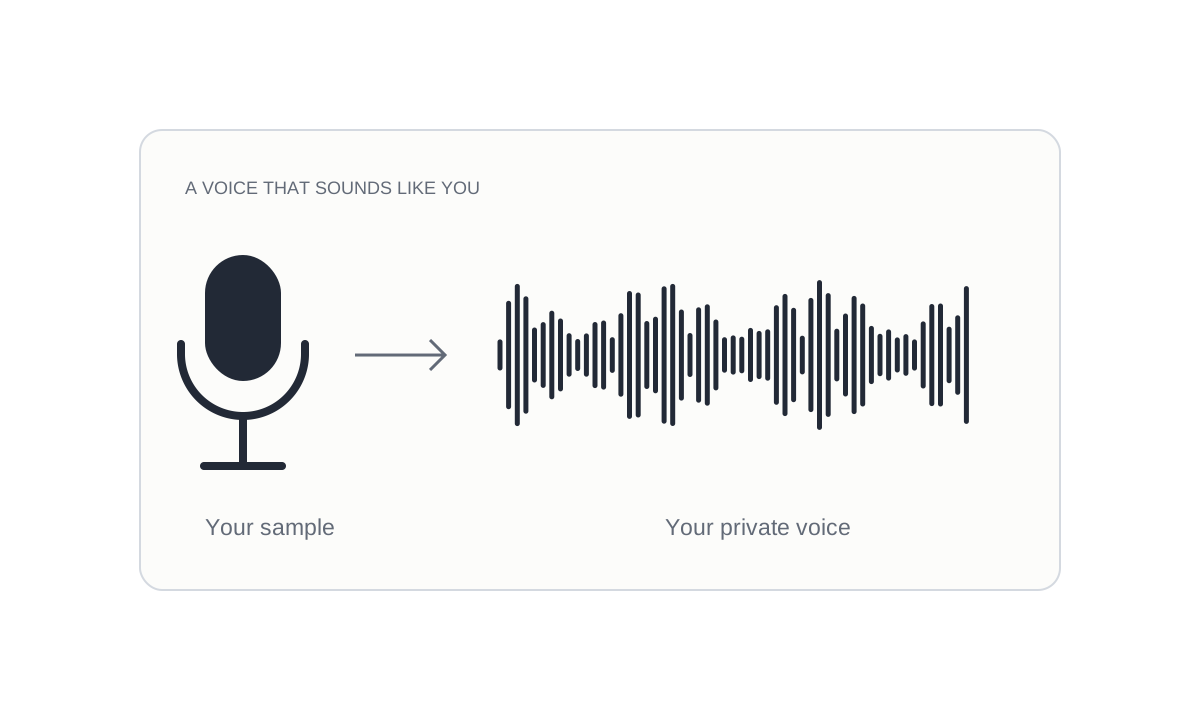
Your words. Your own voice.

A microphone sample flowing into a waveform representing a private voice.
Play HT07 / 2026

Record or upload a voice sample you own or have permission to use, then create a private voice for your account. Once it is ready, the same page selects it in the editor so you can go straight from a sample to your next narration.

Signed-in users can create one private voice for free. Speech generation uses your normal credits. Find your saved voices in My voices and reuse them for lessons, introductions, or your next video.

Try voice cloning

A home for your voice projects.

Your personal center brings your profile, credit balance, and account activity together. Sign in with Google, update your name or avatar, and check the credits available before starting your next audio project.

Daily check-in rewards and a transaction history make it easier to keep track of your usage. Gift credits work with Basic; replaying or downloading a clip you already generated does not spend more credits.

Open your account

Keep the take you love.

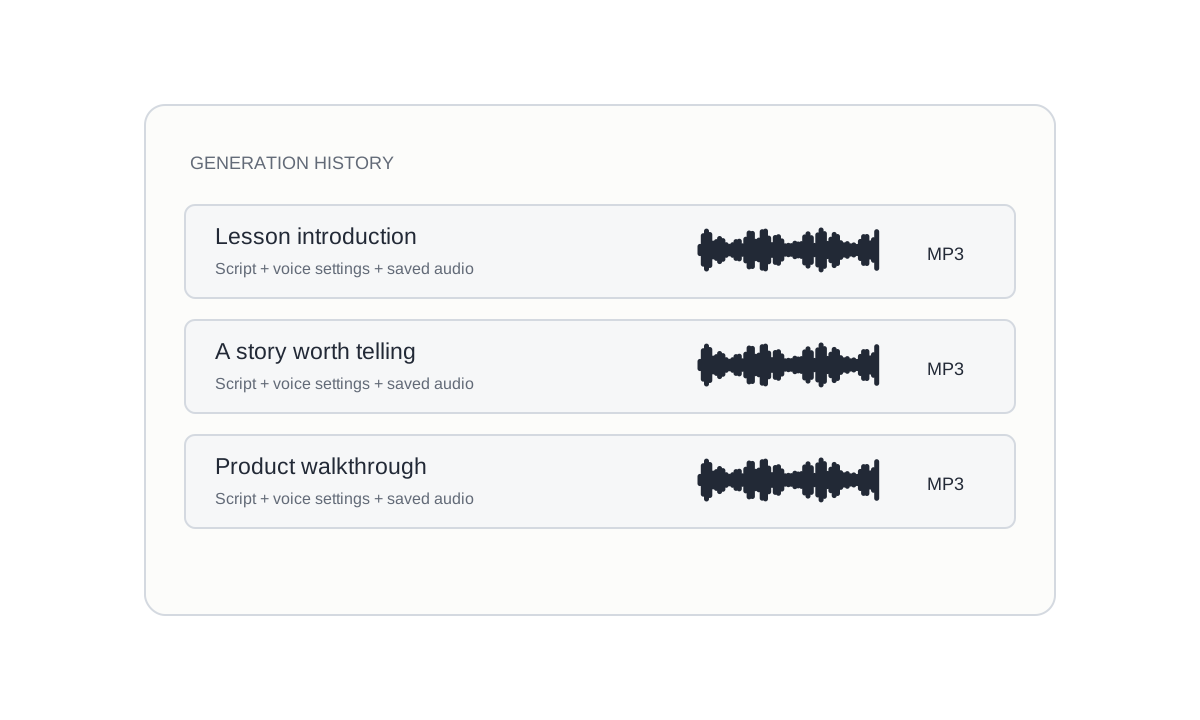
Generation history showing saved scripts with audio waveforms and MP3 files.
Play HT05 / 2026

Your finished audio deserves a place to come back to. Generation history keeps your scripts, voice settings, results, and saved MP3 audio together in your signed-in account.

Replay or download a saved clip, copy its script, or bring it back into the editor for another version. Opening a saved item does not start a new generation, so you can review your work before deciding what to change.

View your history

Give every line its own pace.

Voice settings with separate sliders for speed, stability, and voice similarity.
Play HT04 / 2026

A lesson introduction and a lively product demo need different deliveries. The editor lets you adjust speed, stability, and voice similarity to explore a reading that fits your script.

Keep your text in place while you try the available voice settings. Generate a short passage first, listen for the rhythm and pronunciation, then refine it before creating a longer clip.

Open the voice editor

Let your story travel further.

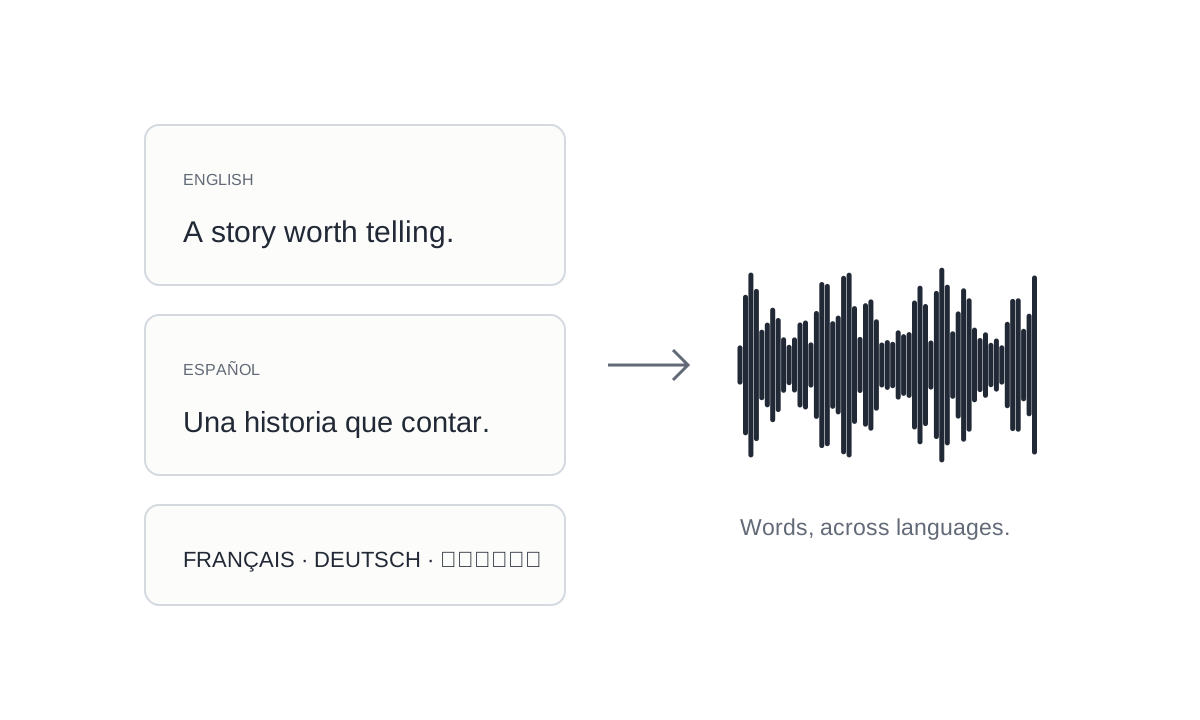
English and Spanish scripts feeding into a shared speech waveform.
Play HT03 / 2026

Write in your chosen language and find a voice for your audience. The language selector supports searching by English name, native name, or language code, making it easier to get to the right option.

Native voices appear first when available. You can also use other public voices for supported languages, though accent and pronunciation may vary. Selecting a language keeps your original words; it does not translate the script.

Choose a language

Hear it before you choose it.

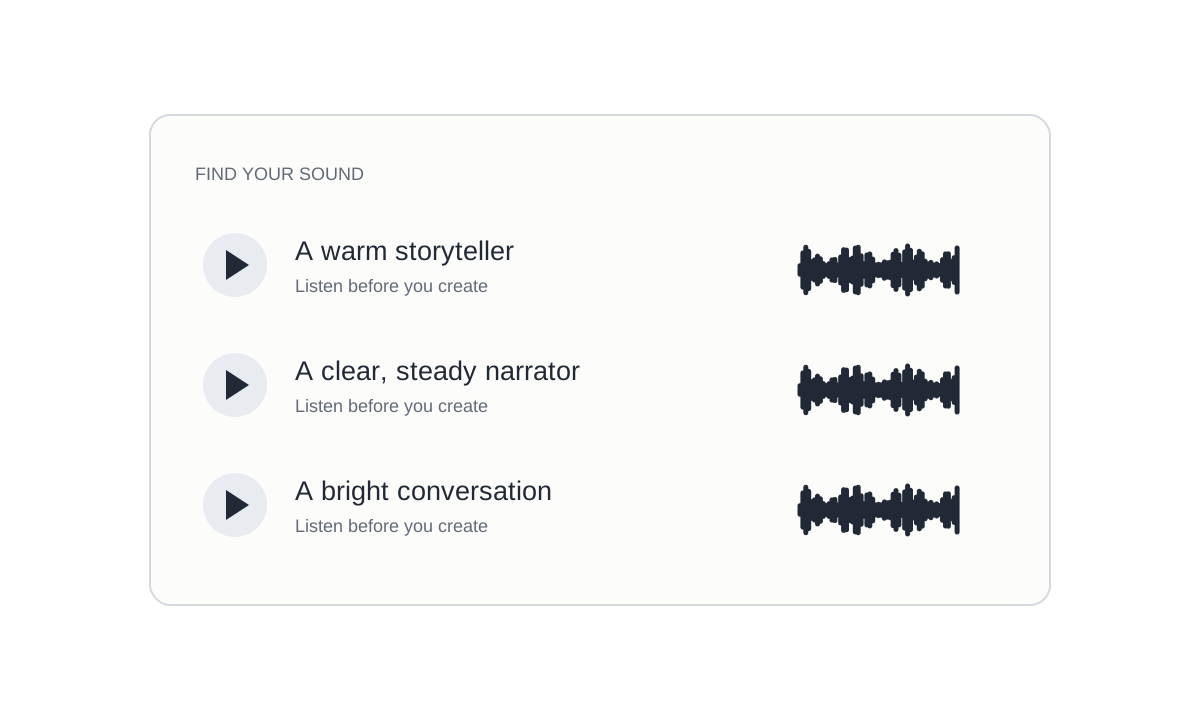
Three voice sample rows with play symbols and individual audio waveforms.
Play HT02 / 2026

Choosing a voice is easier when you can hear its character. Play a sample beside a voice to explore its tone before applying it to your script.

Browse voices by name, accent, or description, and compare the sounds that suit your project. Listening to samples does not use your speech credits or guest generations. Samples are a starting point; your own script and settings can sound different.

Find your voice

From a written line to a spoken one.

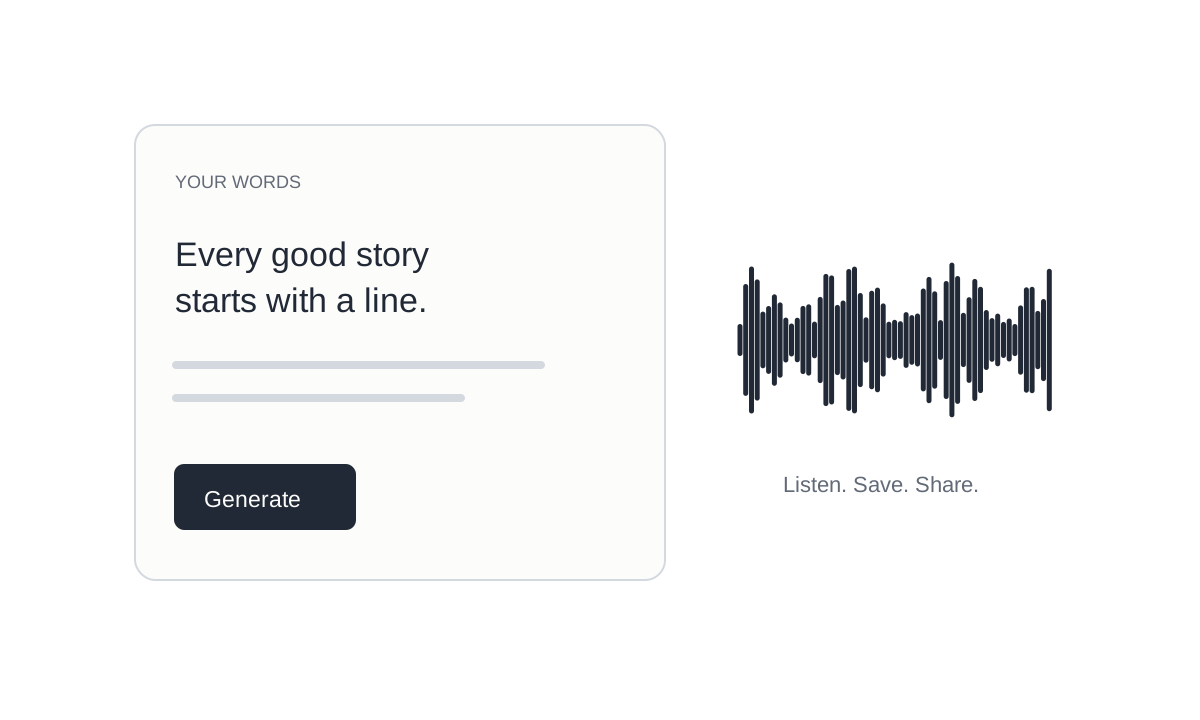
A text editor turning a short written script into a playable audio waveform.
Play HT01 / 2026

Type or paste a script, choose a public voice, and generate speech directly in your browser. The editor keeps the first steps together, whether you are testing a video intro, a lesson, or a line of dialogue.

Listen to the result, replay the clip, and download an MP3 to take into your next project. A free guest preview lets you try the workflow before signing in; your current allowance appears beside the editor.

Create your first clip