Is voice cloning free?+
Yes. Signed-in accounts get one successful private voice creation for free, without a subscription. This voice cloning allowance lasts for the account’s lifetime; deletion does not restore it. Failed creations do not consume it. Speech generation uses credits, with the cost shown before you generate.
How do I start voice cloning?+
Sign in, upload an MP3, WAV, or M4A recording, or record directly in your browser. Aim for 30–60 seconds of clear speech in a quiet room, under 10 MB. Name the voice, choose its language, and confirm permission. When voice cloning succeeds, the text to speech editor opens here with your voice selected.
What makes a good voice cloning sample?+
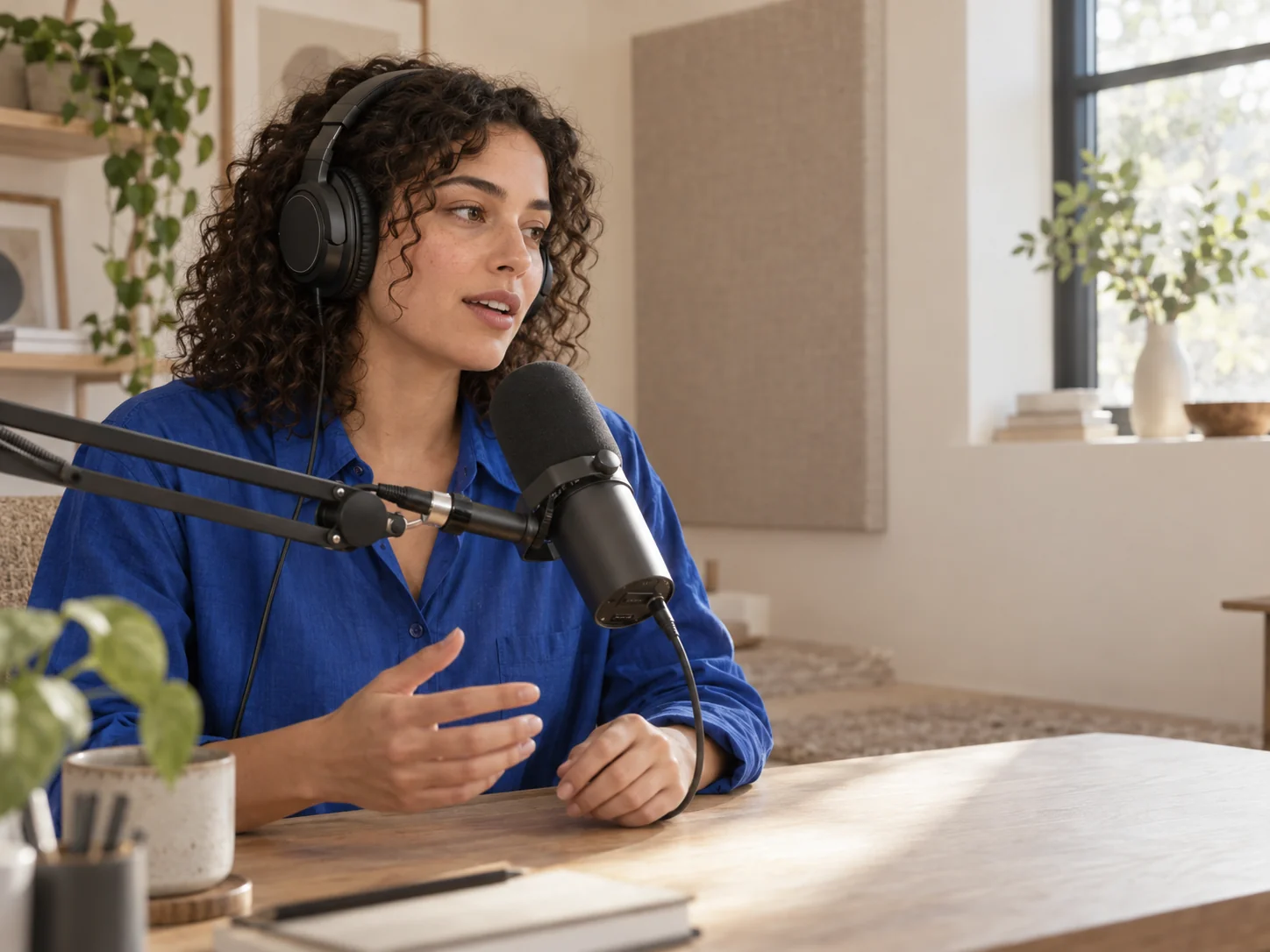
Use one speaker at a steady distance from the microphone. Avoid background music, overlapping speech, clipping, and strong room echo. Speak naturally. A clear sample helps voice cloning capture a more consistent sound. Preview your uploaded recording before creating the voice; replace it if you hear distracting noise.
Can I generate speech immediately after voice cloning?+
Yes. The text to speech editor opens on this page after voice cloning. Write your script, review the selected voice and language, and generate. Free accounts use Basic with up to 500 characters per generation and available credits. Listen and download your MP3 here.
Will voice cloning sound exactly like me?+
Voice cloning produces a synthetic approximation, not a guaranteed identical performance. Results vary with the sample and script. Review pronunciation, pacing, and emphasis, then revise the wording or punctuation. Voice cloning benefits from careful listening and editing.
Who can use my voice cloning result?+
Your private voice belongs to your account and is not added to the public voice catalog. Sign in to use it again. Play HT forwards your sample for voice cloning and does not store the original sample. Scripts and completed audio are saved in generation history. Read the Privacy Policy for processing and retention details.
Can I use voice cloning for someone else?+
Only use a voice you own or have permission to clone. Voice cloning is not permission to impersonate someone, mislead an audience, or use material outside the rights you hold. Confirm the intended use with the speaker before uploading a sample. Some recordings may require additional verification and cannot be completed in this voice cloning flow.
What if I need more voice cloning capacity?+
Subscriptions include additional voice cloning creations and plan-specific voice slots. Starter allows one active voice and two creations per UTC month, Studio three and six, and Enterprise ten and twenty. Deleting a voice frees a slot, but does not restore a monthly creation. Compare the current plans before choosing the voice cloning capacity your projects need.